Personalisation
Settings > Personalisation lets you set tenant-wide branding.
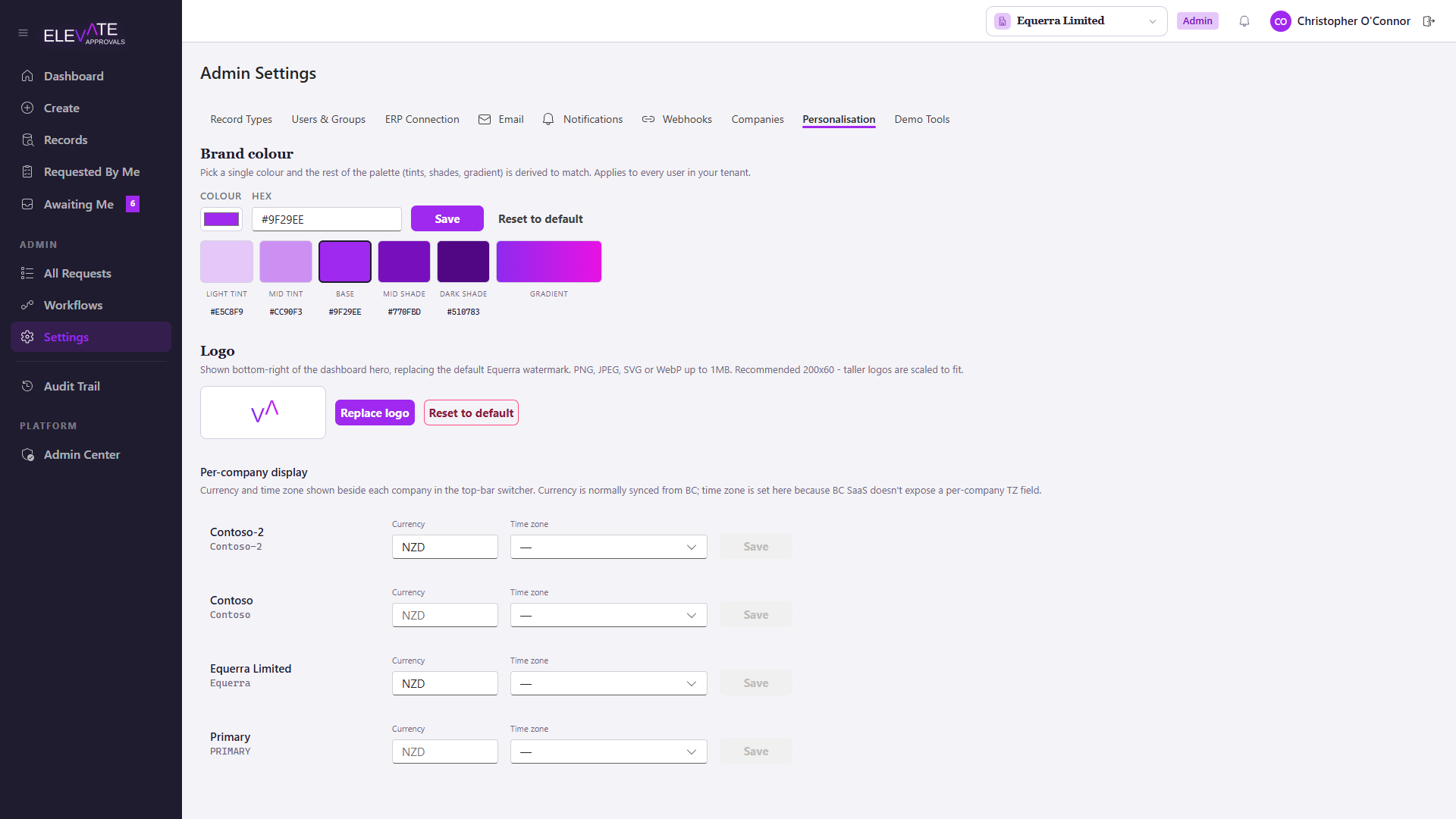
What you can change
- Logo: upload a PNG or SVG. Shown in the top bar and on outbound emails.
- Primary colour: used for buttons and active navigation states.
- Accent colour: used for highlights, badges and progress indicators.
- Tenant display name: the label shown next to the logo and in email subjects.
- Section labels: override the default names for sidebar sections (for example, rename "Records" to "Master Data").
When changes take effect
Changes apply immediately for everyone signed in to the tenant. There is no cache to flush; the next page navigation picks up the new branding.
If you uploaded a logo and it does not appear, check the file size (under 1 MB) and that the format is PNG, JPG or SVG. Animated formats are rejected.
Branding is tenant-wide. There is no per-company override; multi-company tenants share a single logo, primary colour and display name.