Notifications
Open Settings > Notifications.
Notification matrix
The matrix has one row per event (request submitted, step approved, SLA warning, and so on) and one column per channel (Email, Portal, Teams). Tick which combinations should fire by default.
End users can override these defaults under Notifications in the sidebar, so the matrix represents the tenant default, not a hard ceiling.
Digest
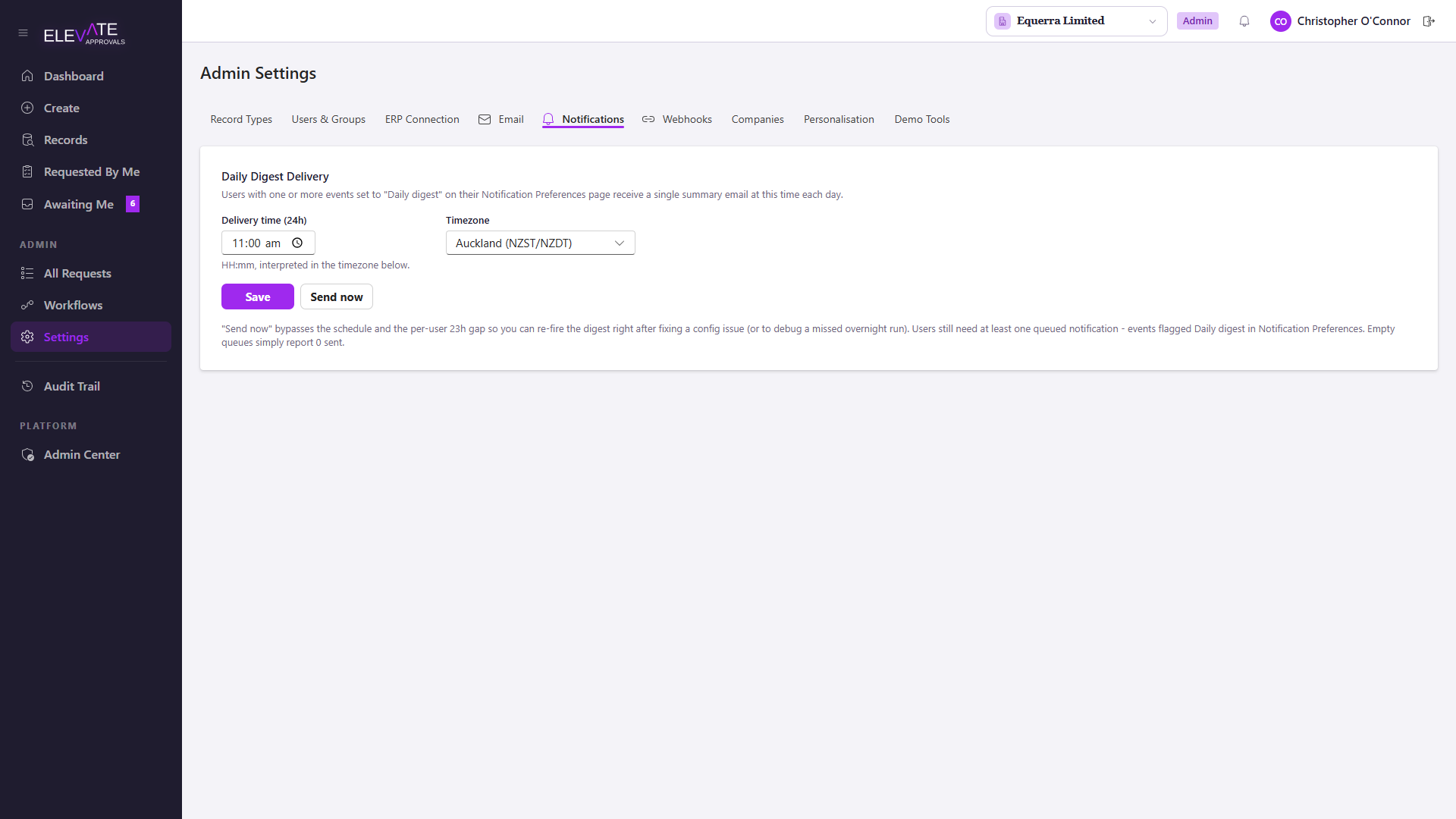
Users who pick Daily Digest instead of immediate notifications get a single roll-up email at a fixed time per tenant.
Use Run digest now in Settings to fire the digest job manually after a configuration change. This is useful when validating a new email provider or after enabling a new event in the matrix.
Channel prerequisites
- Email rows require a working email provider in Email.
- Teams rows require the tenant Teams app to be installed; users who have not installed the app fall back to email even when the matrix says otherwise.
- Portal rows always work; portal alerts appear in the bell icon top-right.